Interactive 3D defense planner
Build your defense.
See every angle.
Step inside Border. Plan reinforcements, open rotations, and place your defenders and gadgets in 3D.
Try the 3D plannerExplore freely. Sign in when you are ready to save.
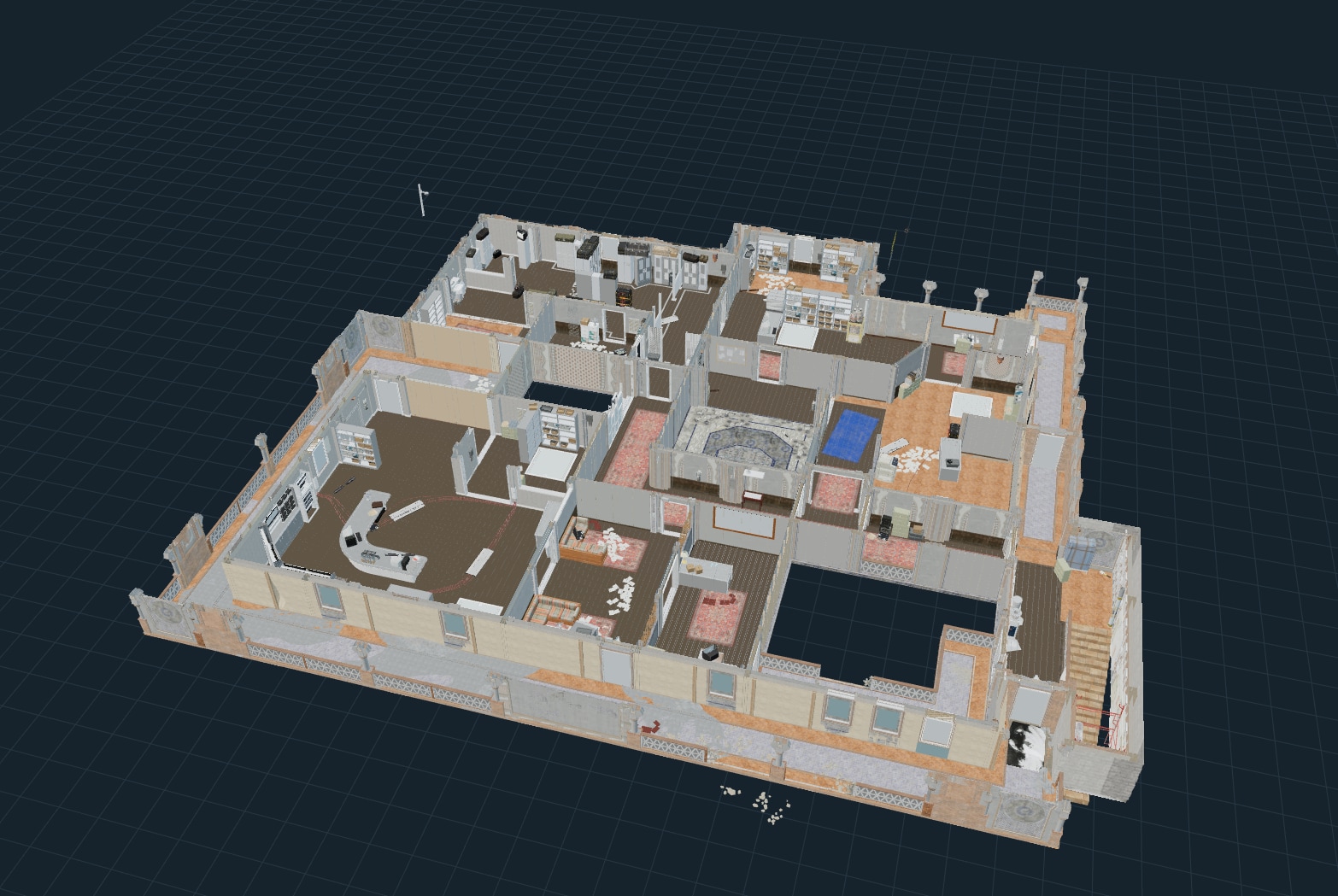
Featured map
Border
Browse maps & setups
Find expert plans, explore community defenses, or start your own.
Choose from the maps available in the planner. Each map opens its supported objective sites.
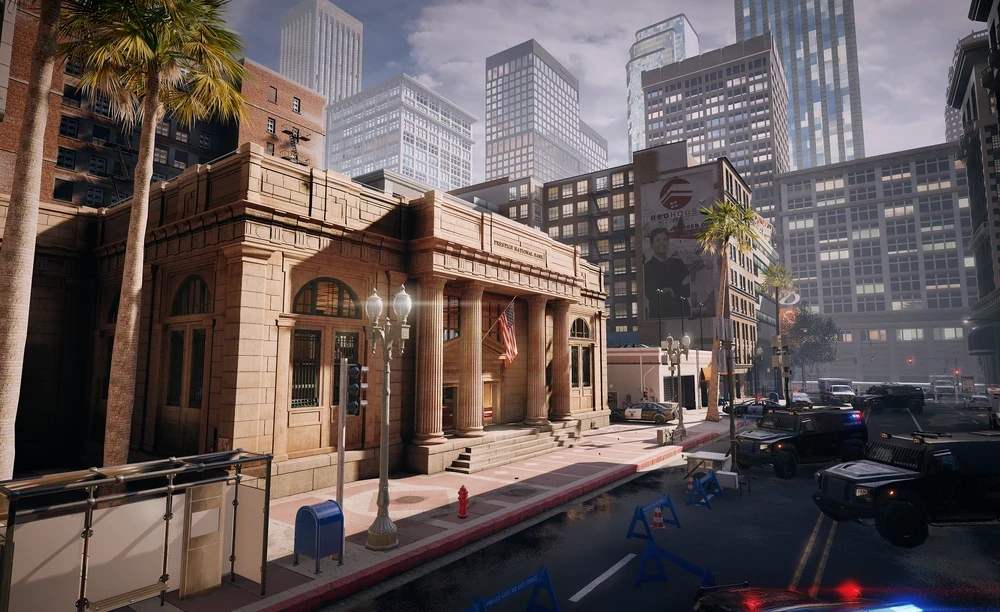 Bank· 4 sites
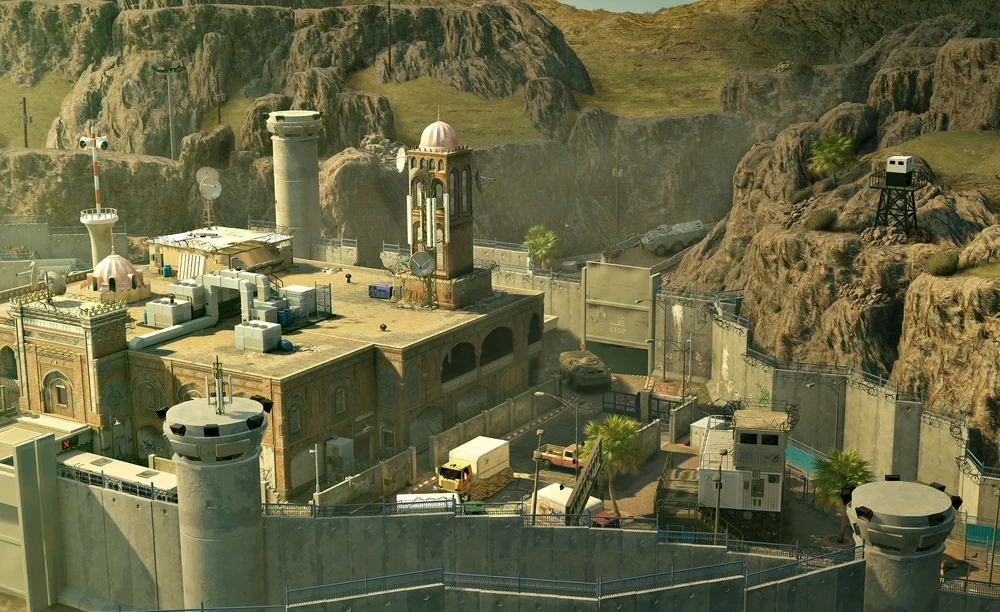 Border· 4 sites
 Calypso Casino· 4 sites
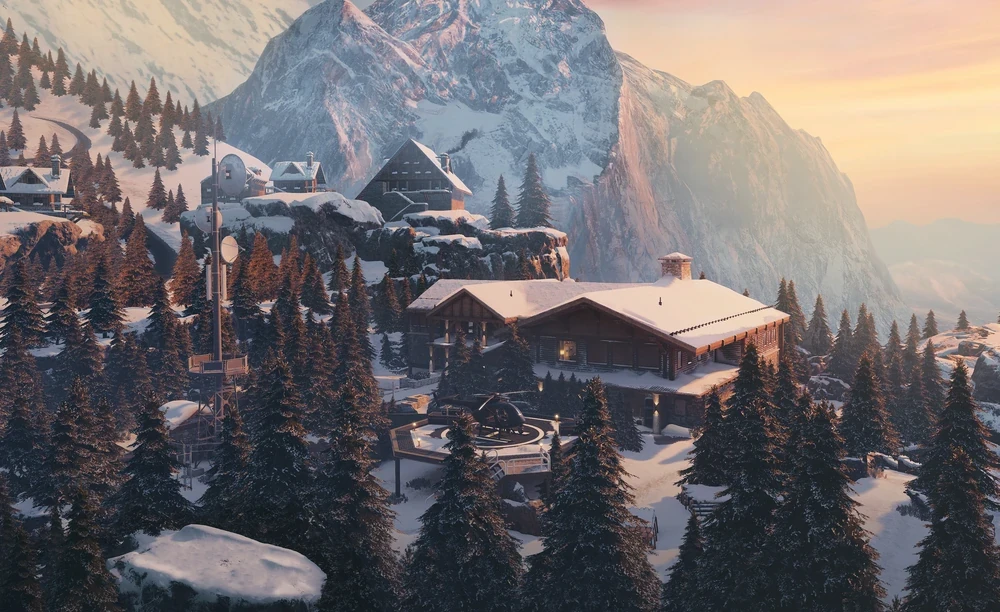 Chalet· 4 sites
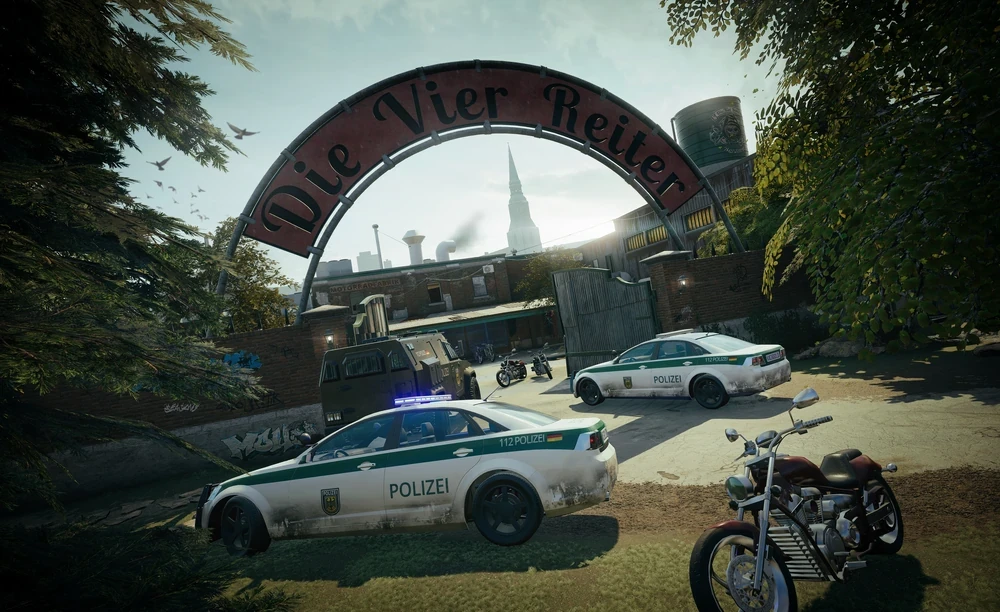 Clubhouse· 4 sites
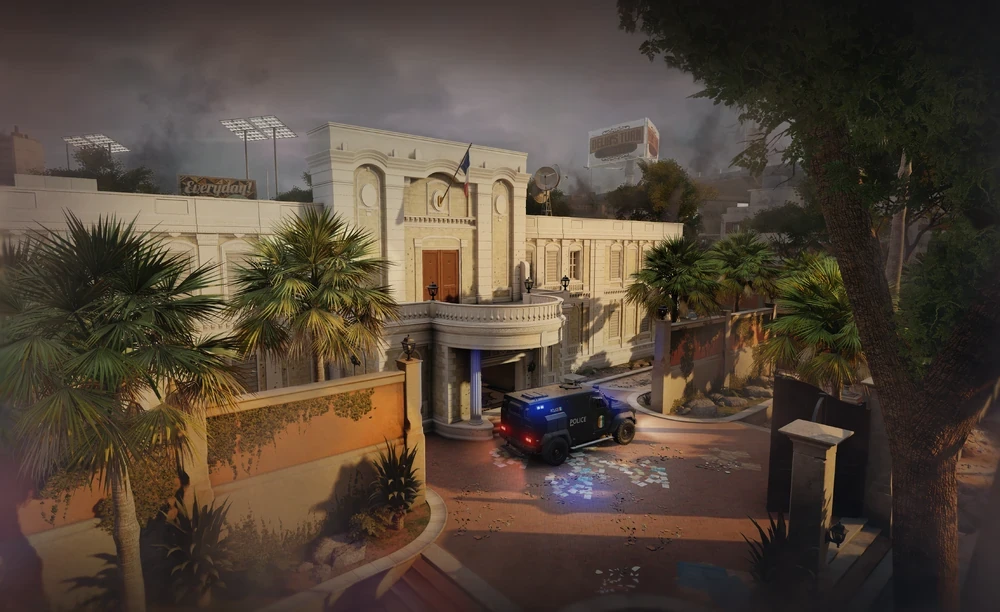 Consulate· 4 sites
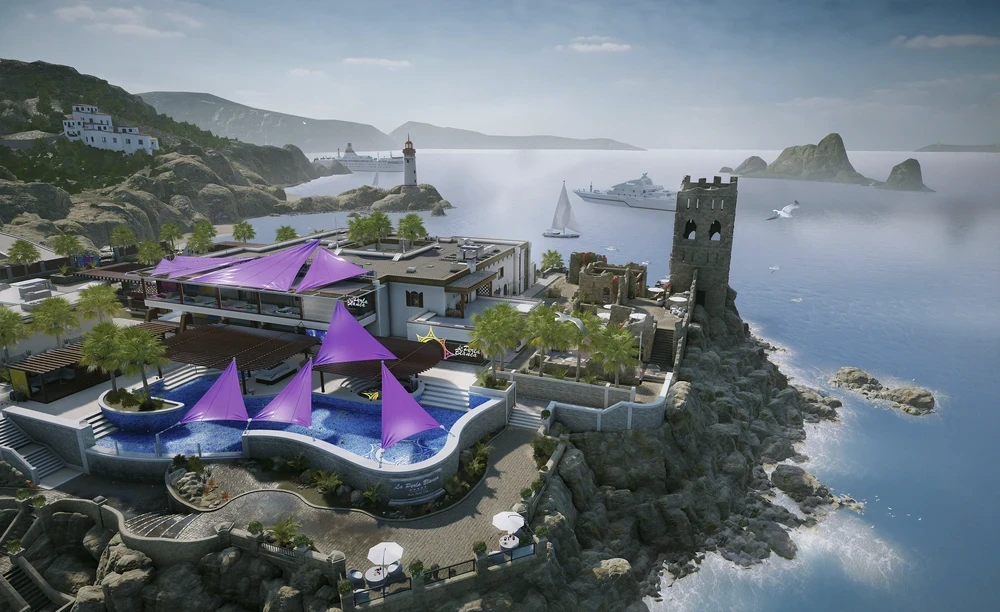 Coastline· 4 sites
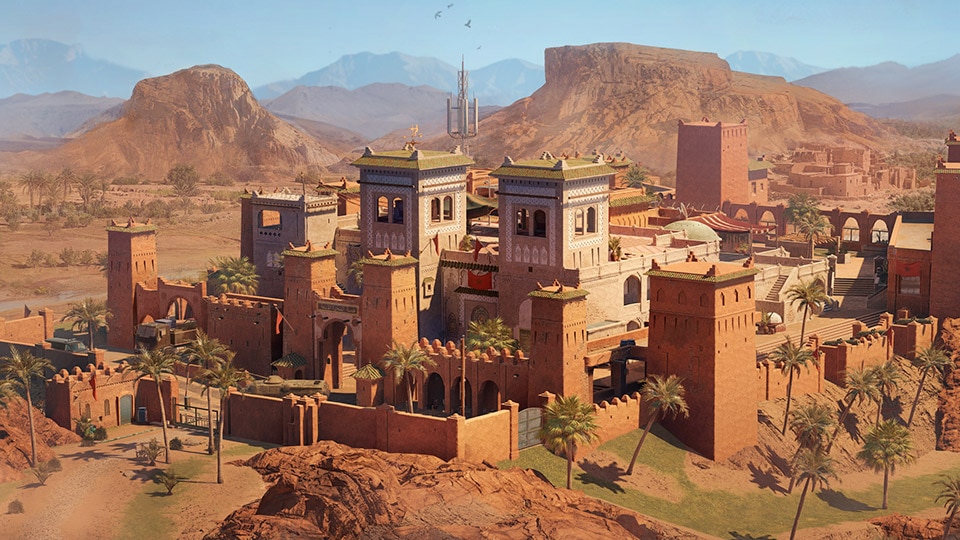 Fortress· 4 sites
Build a plan you can explain
1. Start with the objective
Choose a map and site, then open Create your own. Locate both bombs and inspect the floors above and below. Place defenders around the entrances you intend to contest.
2. Check each change from both sides
Add reinforcements and openings, then rotate the view to inspect what an attacker could see through them. Give every holding position a retreat and every information gadget a player who will respond.
3. Explain the fallback
Name the setup and describe what changes when the main wall opens or a defender has to leave. Sign in to save your work. Rehearse the plan in a custom match before relying on its sightlines.
The planner is a visual planning tool. It does not simulate enemy movement, gadget effects or round outcomes. A reviewed preset and a community submission are different starting points; you can also build your own plan from an empty site.
See the illustrated defense-planning guide